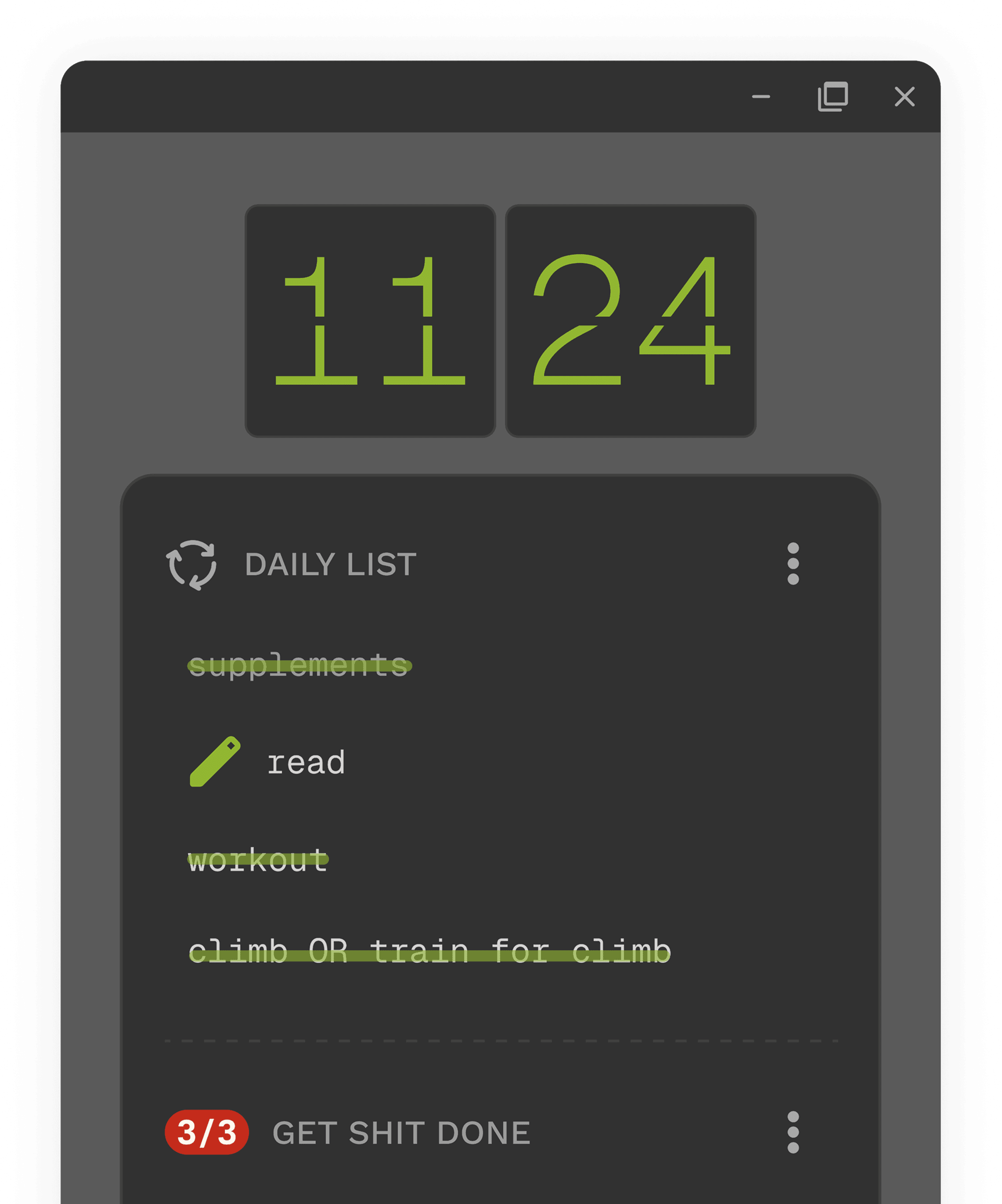
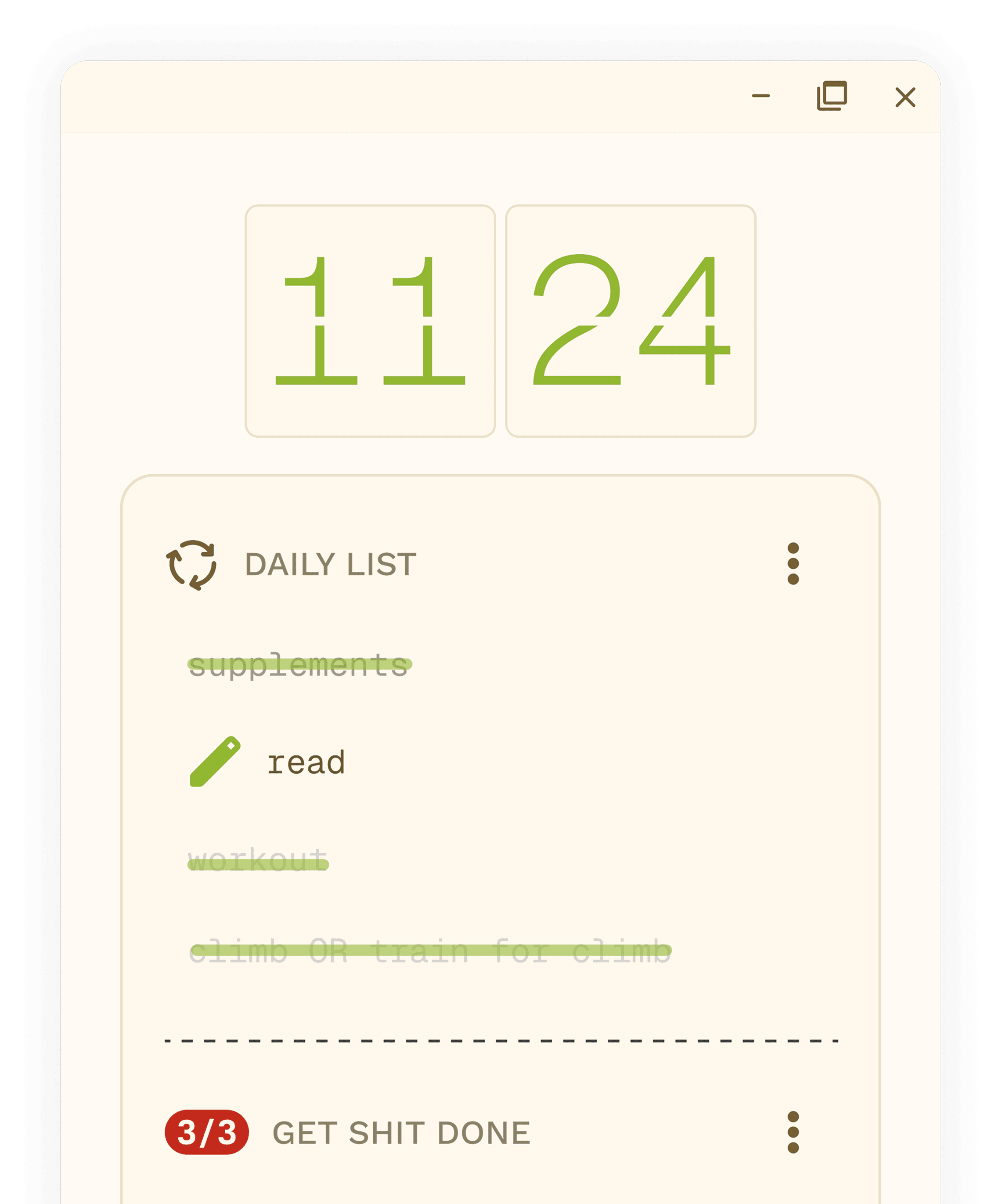
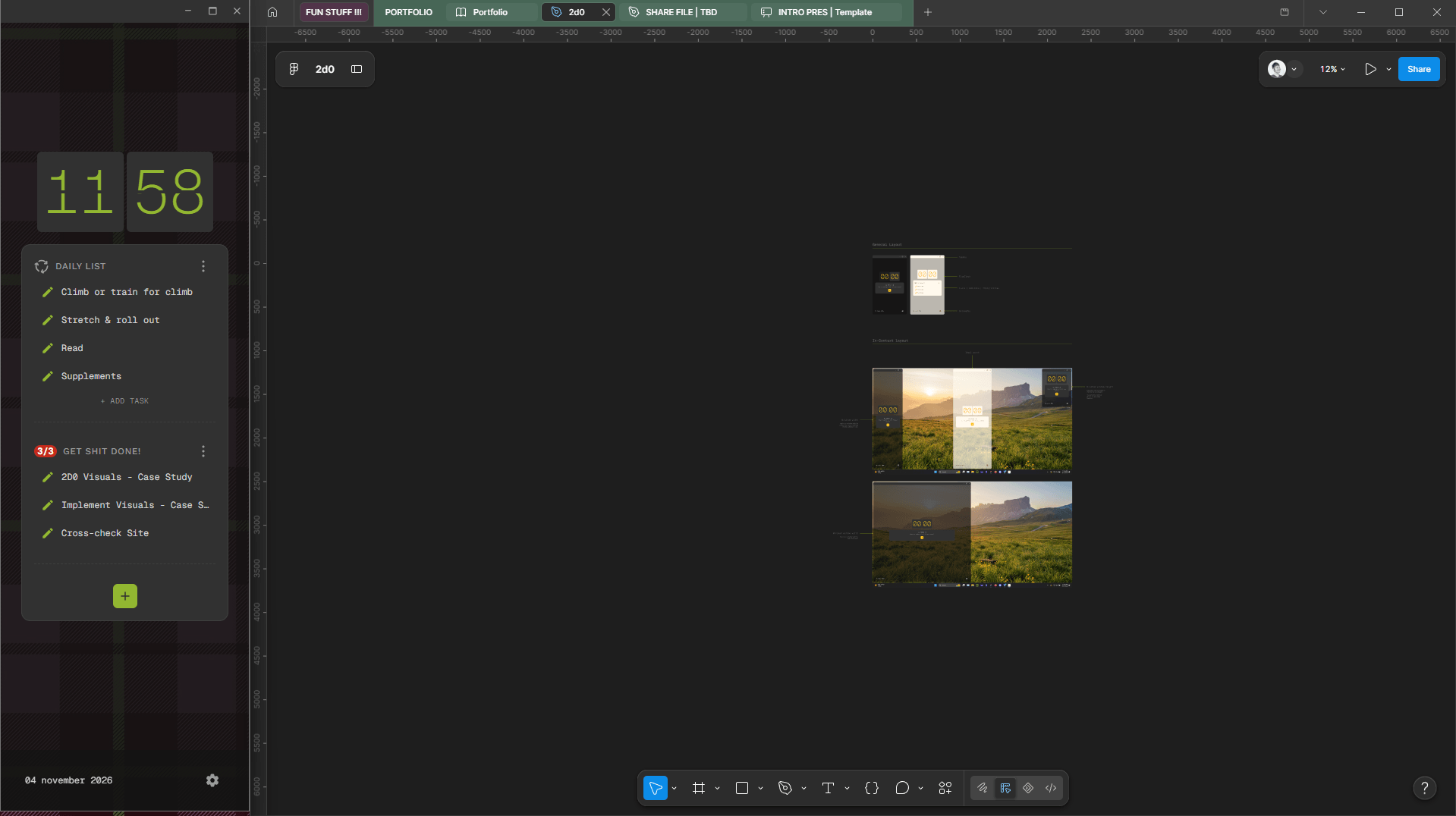
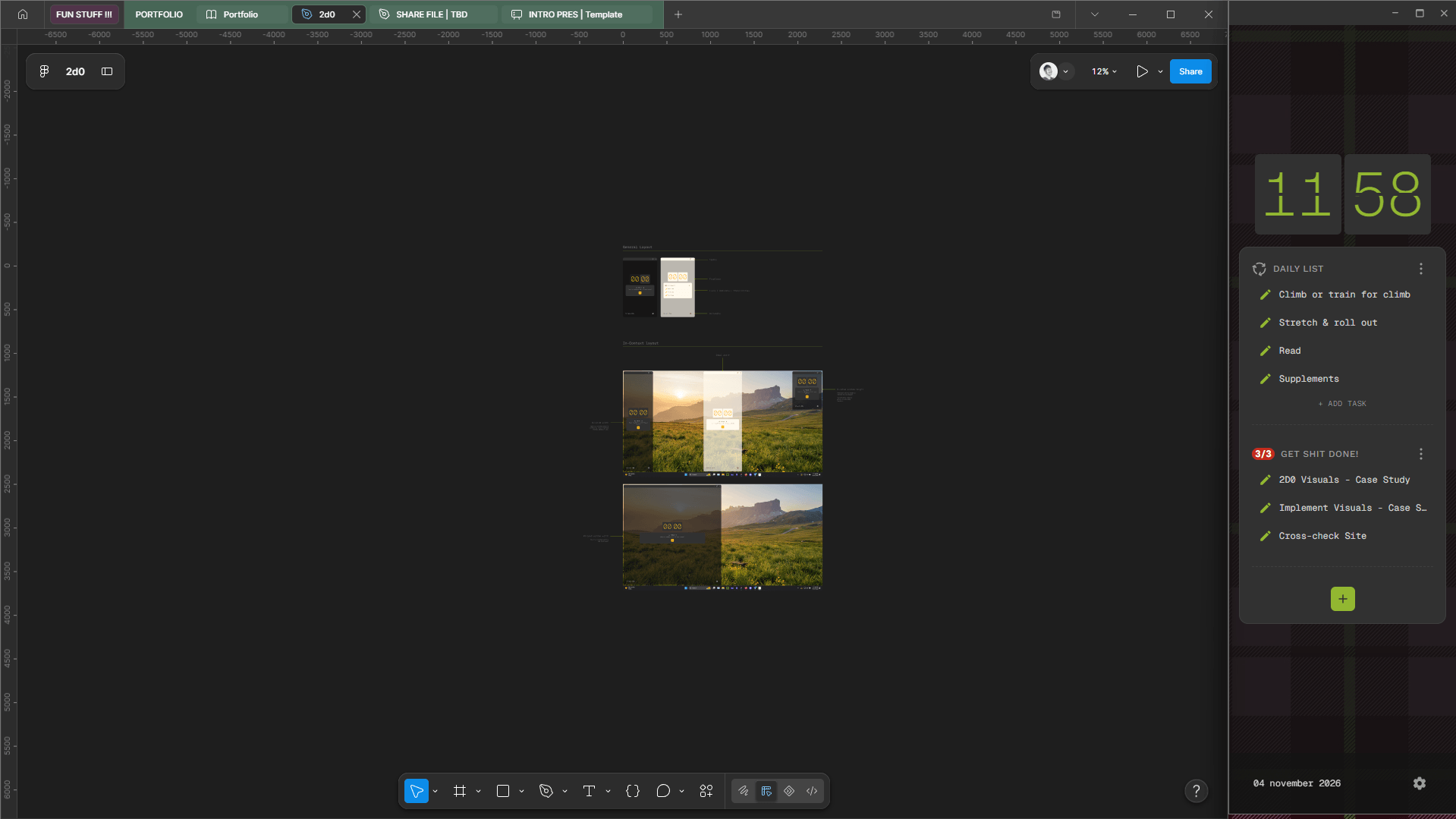
A to-do list that lives on the edge of your monitor and won’t let you overcommit.
When I got the itch to try out Claude Code, my long time nemesis, time and task management, immediately popped into my head.
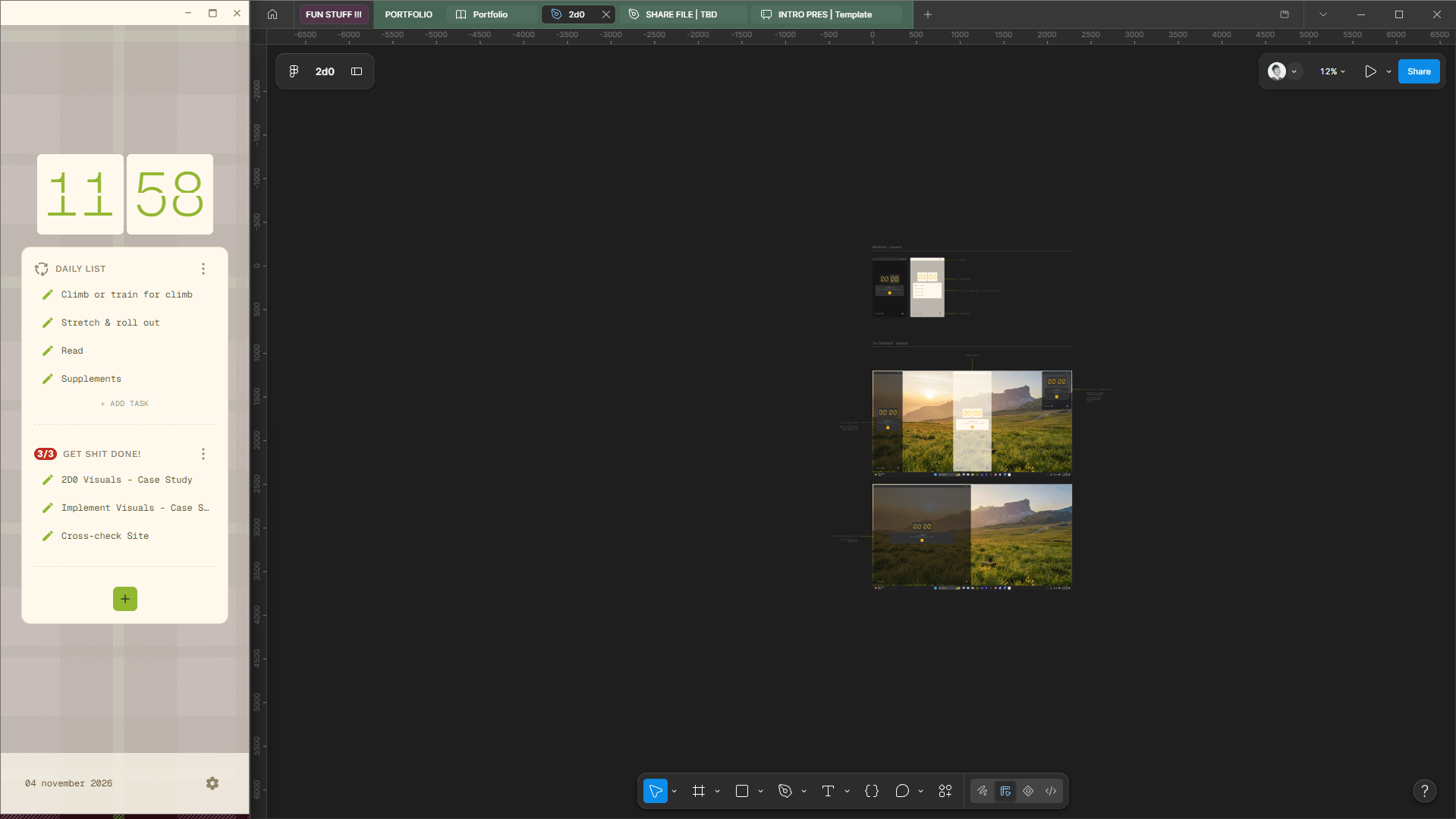
2D0 is a lightweight, restricted-input to-do list with three core features:
- Work List -3 item max to keep expectations real.
- Daily List -Upfront reminder to do repeating tasks.
- Flip Clock -See & hear the minutes flipping away.
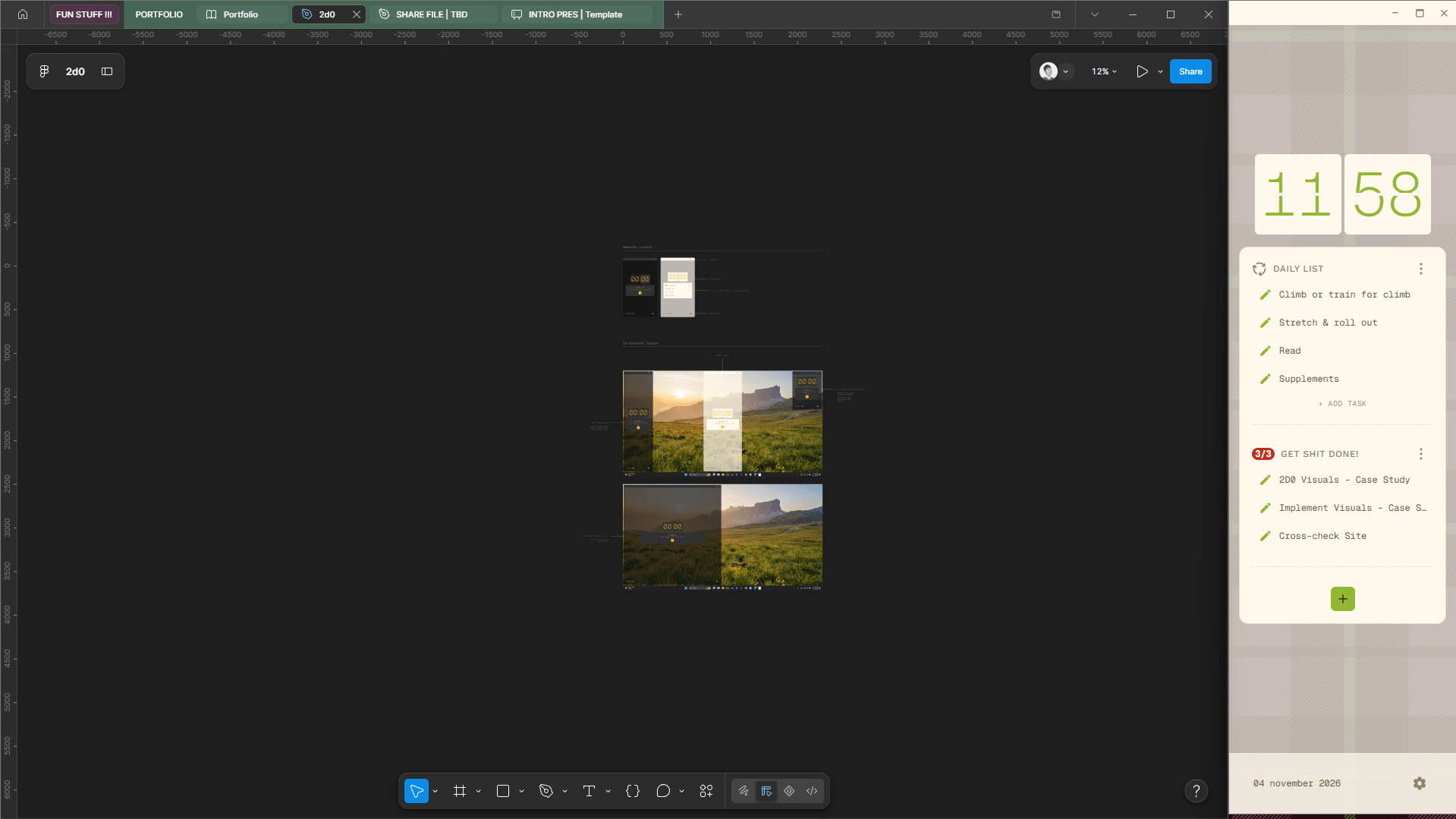
Built for a large or multi-monitor setup, it’s meant to stay in view while you work.
I’ve tried so many productivity systems. None of them stuck.
Planners, time blocking, different calendars, gamified apps, Apple productivity apps. For one reason or another, every solution eventually fell away.



Until one finally did! Sort of...
Before I even considered the possibility of ~gasp~ building a functional app, I was creating an analog test run of what would become 2D0.

Step 1 - Acquire Field Notes journal
Yes, it had to be SPECIFICALLY this brand. Portable, easy to store, with grid paper!
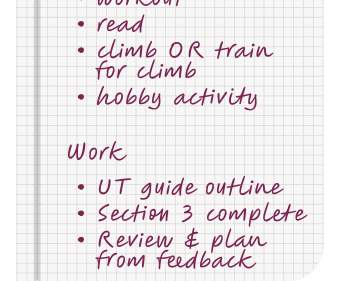
Step 2 - Write down daily tasks/habits & 3 work tasks
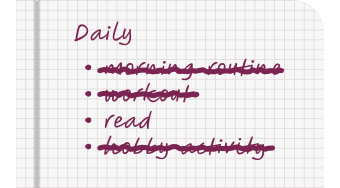
Step 3 - Do the things!
As a curious critter, I had to ask myself...
Why was my notebook working while other apps & methods weren’t?
- Restricting lists to 3 tasks reduced mental overwhelm.
- A physical notebook meant I didn’t have to have my phone at my desk which limited distractions.
- No gamification, just tasks to cross off. Once novelty wears off, gamification becomes annoying to me.
There were still unresolved issues with my notebook set up...
- Repetitive WritingRe-writing the same daily tasks over and over became just another task.
- VisibilityPhysical lists are hard to have visible when your desk gets messy.
- Time BlindnessCompletely unaddressed with a physical notebook. Time slips away...
2D0 should support a structured, optimized work day that works with my brain, not against it.
How do I achieve this?
- Offer max task limit lists.
- Reduce repetitive entries.
- Visualize the active passage of time.
- Allow minimal, but present customization.
Having a defined mission meant I couldn’t sneak in cool features “just because.” With this in mind, I kept what worked in my analog system and addressed what didn’t.
Now the big question...
How do I go from Figma to a functioning app?
With the mission, specs, wireframes, and visual direction set, it was time to build. Figma’s then-new MCP server got a basic workflow running:
The challenges of working with AI.
The workflow was easy to set up, but I encountered quite a few challenges along the way. In fact, I’m still refining this process to this day.
- Development ExperienceYou don’t know what you don’t know. Every side project teaches me more, but it’s still my biggest hurdle.
- Design AccuracyIn between prompt & output something always changed.A design system addressed MOST issues.
- Prompt WordingLLM’s need goals spelled out explicitly. It took some time to refine how I ask for tasks to be completed.
After a lot of trial and error with Claude Code, I managed to create a real life (holy cow) desktop application!
This is my first side project that has a complete set of task flows, a design system, and is downloadable :D
- Task Flows
- Design System
- GitHub
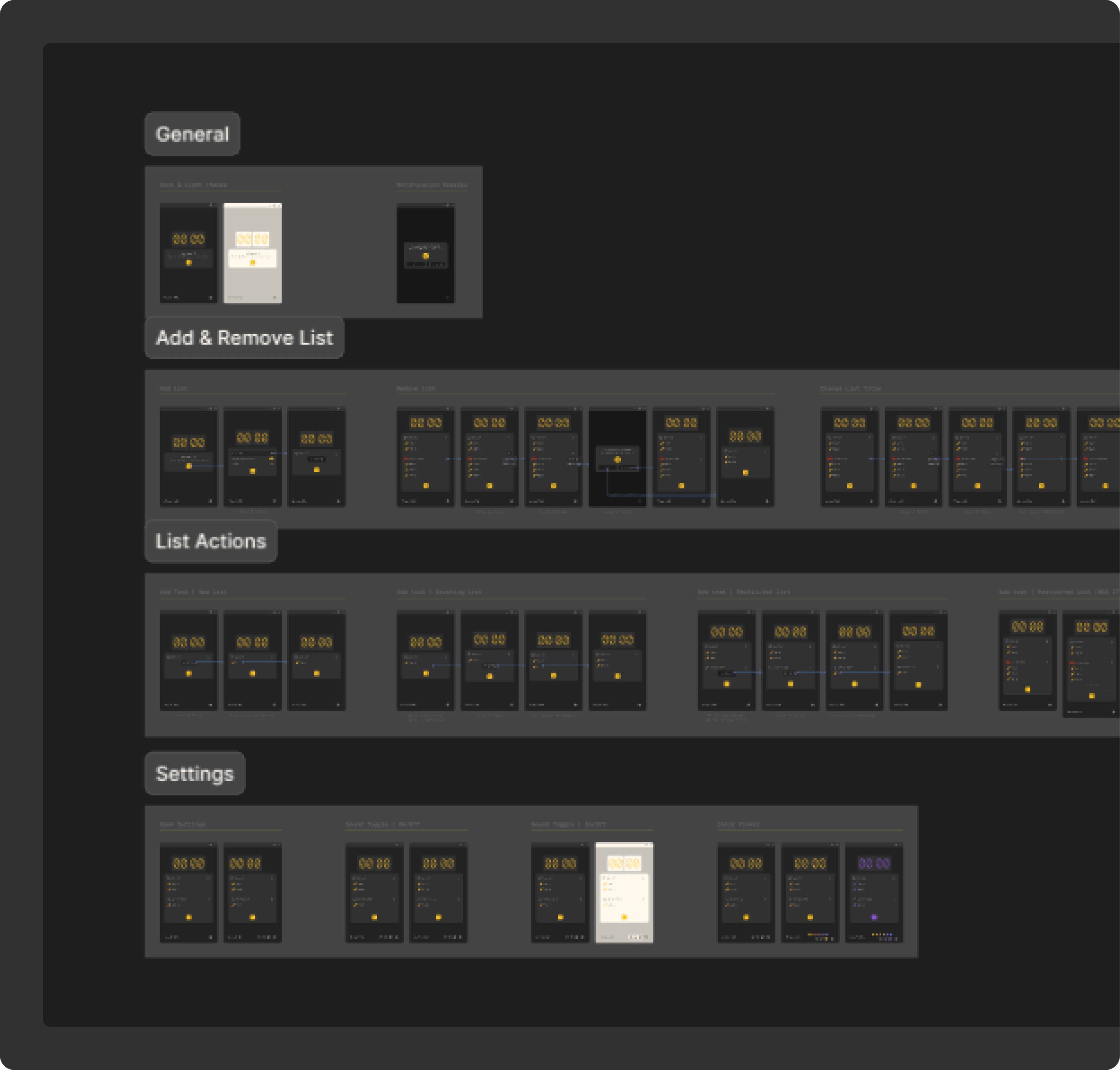
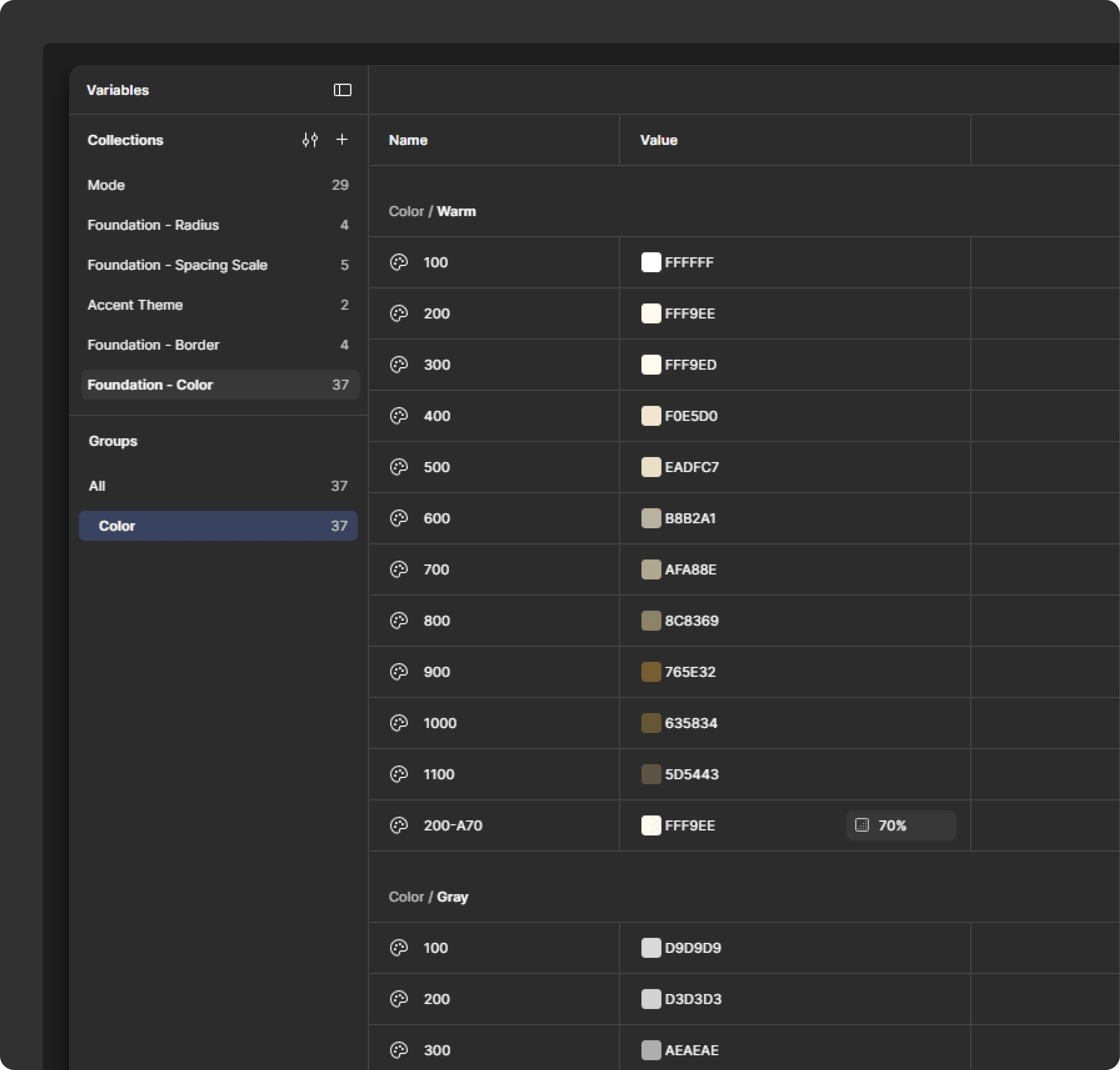
I use it every day, and I already have a growing list of changes!
With the basics done, I can continue improving and tweaking the experience to create a really fun and useful productivity app that actually works for my brain!
Future tweaks & thoughts
- More analog-y -A cross-off interaction that feels physical. Press and drag? Gritty sound?
- History -Like flipping back through old Field Notes, but digital. NOT a streak feature!
- Flip Clock Revisit -Make it feel more... tactile. Not sure how yet.
Side projects are pretty cool...
Not only have they been a great way to explore tools and hone skills, but they also open up the door to create playful, niche experiences that make my life (and hopefully others) just a little bit more fun.